
MASTER COLOR SEPARATION STEP BY STEP
Color Separation in Photoshop for Screen Printing — Essentials Courses
Join the waitlist today to be the first to know when enrollment opens,
get early access, and early-bird discount at launch.
What You’ll Learn at LCS
At Learn Color Separation, we’re building beginner-friendly courses with step-by-step workflows that make color separations simple, accurate, and press-ready for screen printing.
Each Essentials course includes:

Easy-to-follow video lessons
Downloadable practice artworks
Guided workflows you can apply directly to your projects
LCS Photoshop Actions included (most courses)
Lifetime access
All future updates included free
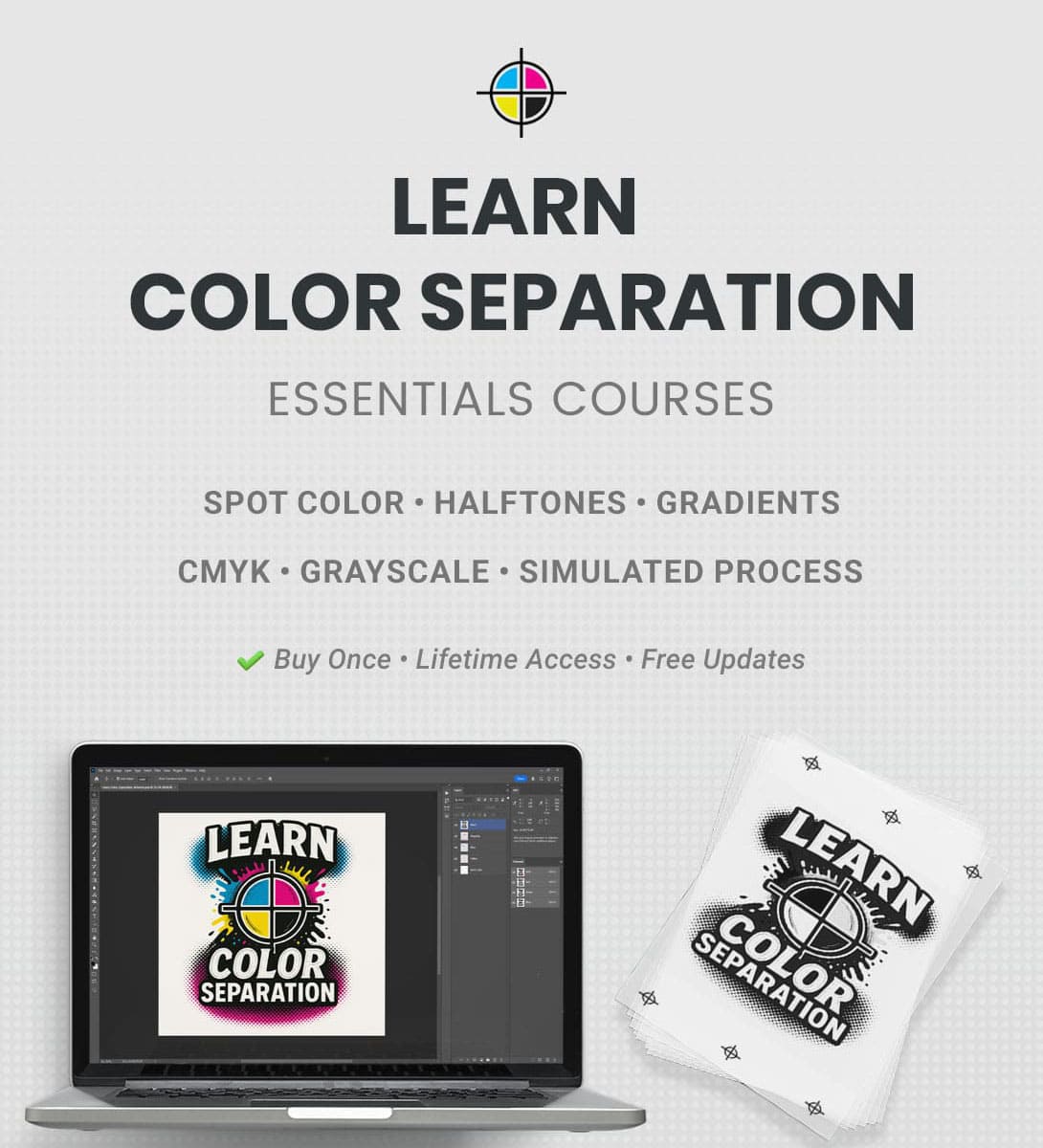
Start Your Color Separation Journey
Join the waitlist today to get updates plus:
⭐ Launch discount when enrollment opens
⭐ Early access before public release
Select the courses you want updates for and enter your email below:
No spam, unsubscribe anytime.
Practice Artworks Included
in Every Course
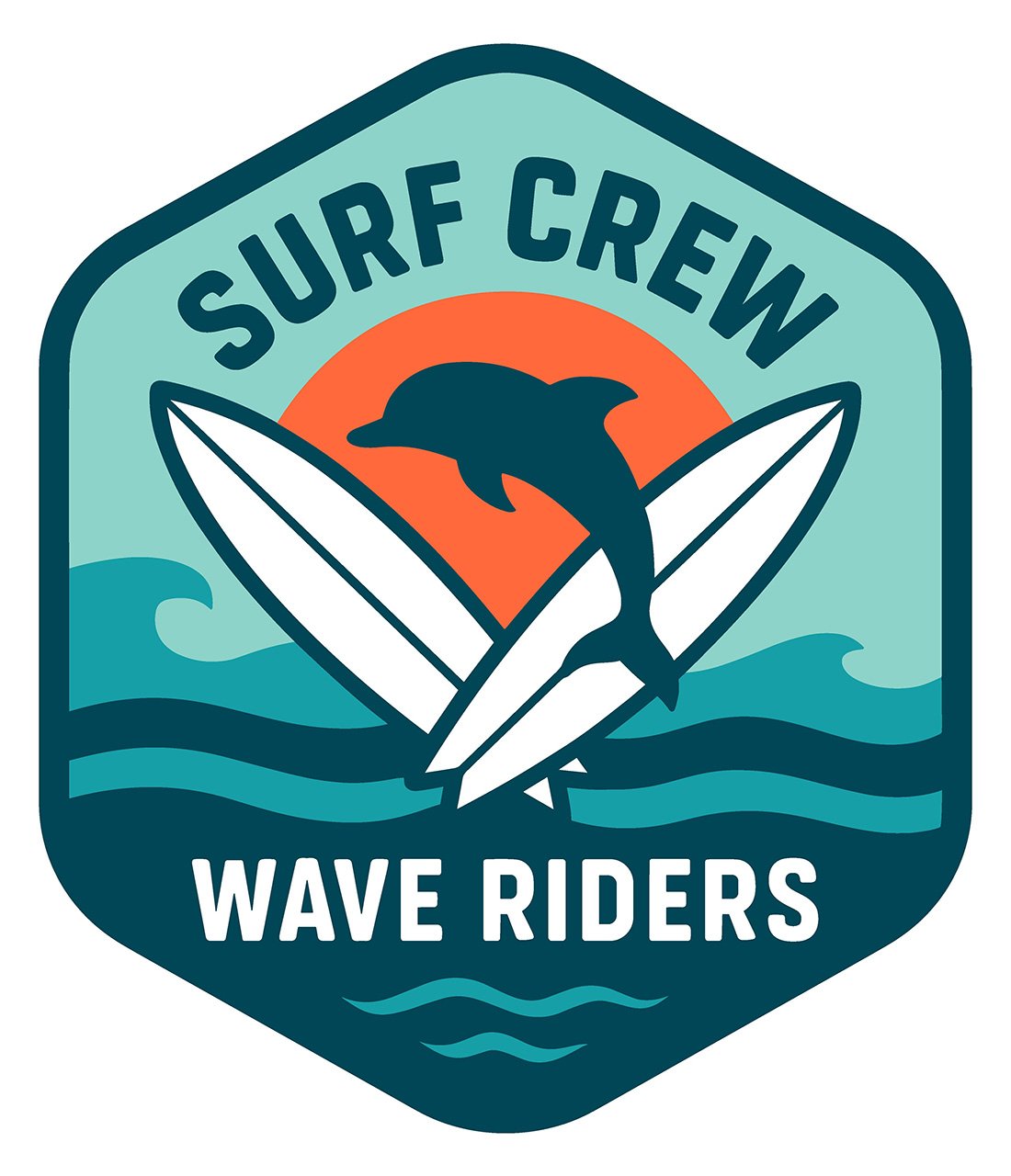
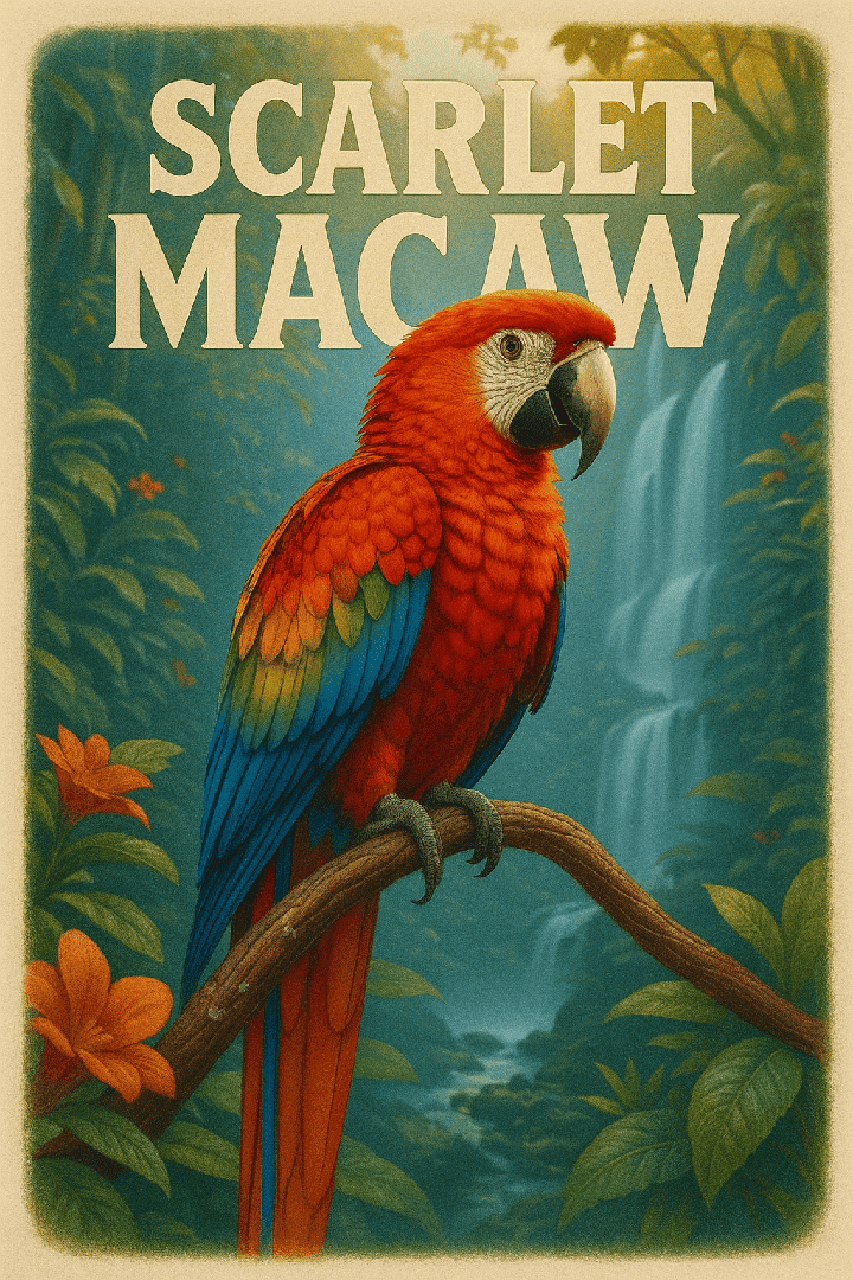
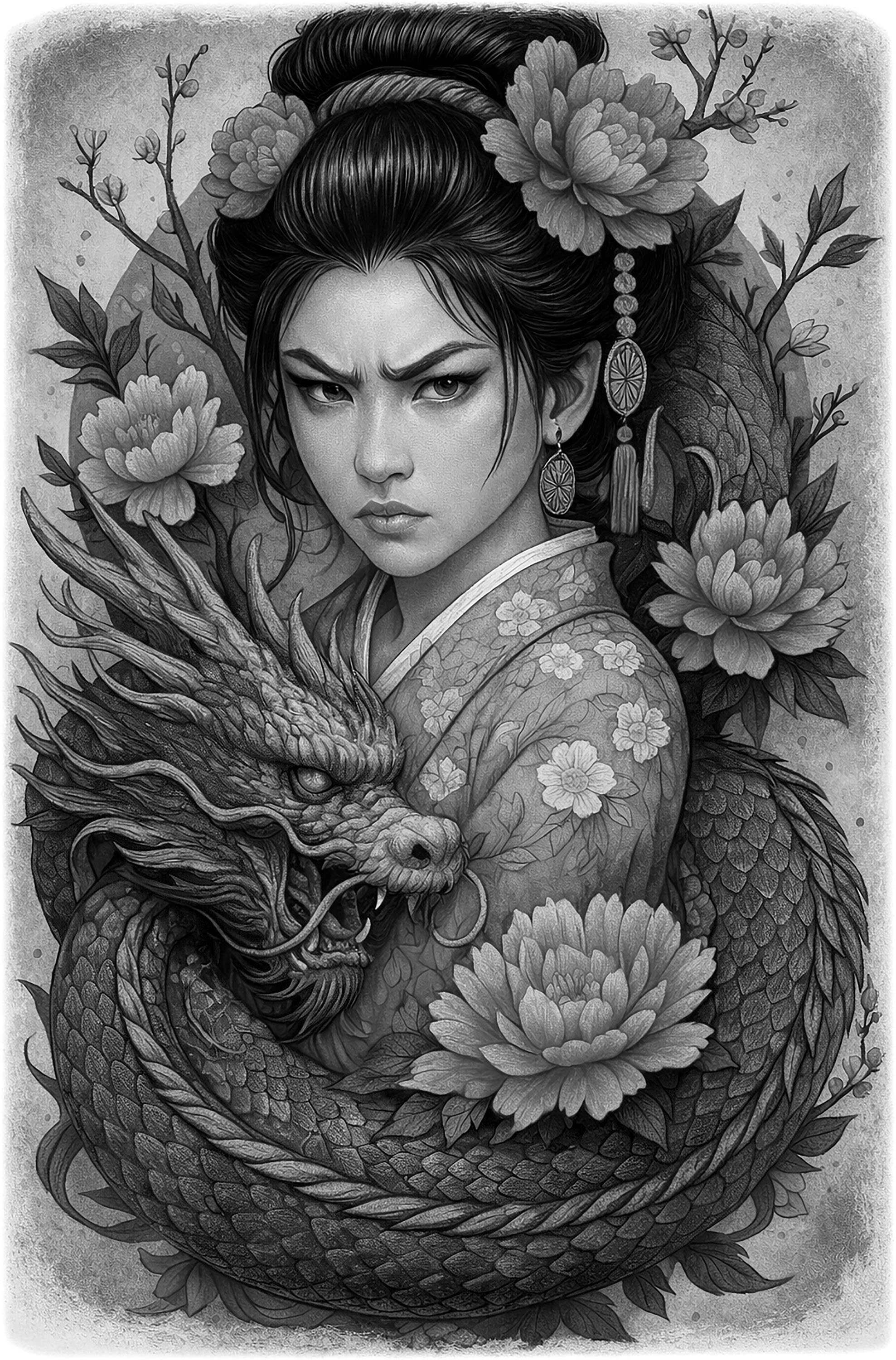
Each course includes multiple practice artworks with a commercial use license.
Here are a few examples from the courses.



The 7 Essentials Courses
👉Explore the 7 courses that build your foundation in professional color separation
⭐All courses include multiple practice artworks with commercial use license.
By the end of this course, you’ll be able to:
Set up Illustrator for efficient spot color separation workflows
Prepare vector artwork for spot color separations
Identify and separate solid spot colors in any design
Apply trapping methods for clean, professional prints
Prepare print-ready film positives with registration marks and job details
Create underbase and highlight white layers for printing on dark shirts
Avoid common mistakes in spot color separations that waste time, screens, and materials
Work through projects including a start-to-finish workflow and real-world case studies
By the end of this course, you’ll be able to:
Set up Photoshop for efficient spot color separation workflows
Import artwork from Illustrator and prepare it for spot color separation
Identify solid colors and separate them using both layers and channels
Apply trapping methods in both layer and channel workflows
Prepare print-ready film positives with registration marks and job details
Create underbase and highlight white layers for printing on dark shirts
Avoid common mistakes in spot color separations that waste time, screens, and materials
Work through projects including a start-to-finish workflow and real-world case studies
By the end of this course, you’ll be able to:
Set up Photoshop and prepare artwork for spot color with halftones separations
Identify solid spot colors and halftone colors and separate them correctly
Convert halftones with proper LPI settings and manage dot gain
Apply trapping methods specifically for halftone jobs
Prepare print-ready film positives with registration marks and job details
Create underbase and highlight white layers for halftone printing on dark shirts
Use shirt color as part of the design to minimize extra screens
Optimize halftone separations for clean, professional prints
Avoid common mistakes in spot color with halftone separations that waste time, screens, and materials
Work through projects including a start-to-finish workflow and real-world case studies
First learn manual workflows step by step, then speed up your workflow with LCS Photoshop Actions
By the end of this course, you’ll be able to:
Set up Photoshop for gradient color separations
Identify gradients in artwork and separate them properly
Convert gradients to halftones with smooth blends and control dot gain
Avoid banding and refine gradients for clean, professional prints
Prepare print-ready film positives with registration marks and job details
Create underbase and highlight white layers for printing gradients on dark shirts
Handle non-vector gradients using Photoshop tools
Avoid common mistakes in gradient color separations that waste time, screens, and materials
Work through projects including a start-to-finish workflow and real-world case studies
First learn manual workflows step by step, then speed up your workflow with LCS Photoshop Actions
By the end of this course, you’ll be able to:
Set up Photoshop and prepare artwork for CMYK separations
Understand when and why to use CMYK vs simulated process, and the strengths and limitations of each
Separate the cyan, magenta, yellow, and black channels and understand how they work together
Use halftones with the right LPI and manage dot gain for clean, professional prints
Prepare print-ready film positives with registration marks and job details
Create underbase and highlight white layers for printing CMYK on dark shirts
Optimize channels to improve vibrancy
Avoid common mistakes in CMYK separations that waste time, screens, and materials on press
Work through projects including a start-to-finish workflow and real-world case studies
First learn manual workflows step by step, then speed up your workflow with LCS Photoshop Actions
By the end of this course, you’ll be able to:
Set up Photoshop and prepare artwork for simulated process separations
Separate the key colors and black channel for simulated process printing
Use halftones with the right LPI and manage dot gain for clean, professional prints
Create underbase and highlight white separations for printing on dark shirts
Prepare print-ready film positives with registration marks and job details
Apply simulated process techniques for white, black, and colored shirts
Optimize color channels to improve vibrancy
Avoid common mistakes in simulated process separations that waste time, screens, and materials on press
Work through projects including a start-to-finish workflow and real-world case studies
First learn manual workflows step by step, then speed up your workflow with LCS Photoshop Actions
By the end of this course, you’ll be able to:
Set up Photoshop and prepare artwork for grayscale separations
Create black, white, and medium-gray separations for professional grayscale printing
Use halftones with the right LPI and manage dot gain for clean, professional prints
Create underbase and highlight white separations for printing on dark shirts
Prepare print-ready film positives with registration marks and job details
Apply grayscale techniques for white, black, and light or dark-colored shirts
Optimize grayscale separations to improve print quality
Avoid common mistakes in grayscale separations that waste time, screens, and materials on press
Work through projects including a start-to-finish workflow and real-world case studies
First learn manual workflows step by step, then speed up your workflow with LCS Photoshop Actions
ABOUT

Hey, I'm Venkat 👋
Founder of Learn Color Separation (LCS)
Through my YouTube channel, I’ve helped thousands of printers understand and
apply professional color separation techniques.
I also created LCS Master Seps Actions, used by printers worldwide to save time and get consistent results.
The essentials courses series brings together everything I’ve learned in simple, practical,
real-world workflows you can follow even as a beginner.

What Students Are Saying
Designers and printers who attended the live Essentials courses share how these workflows helped them improve their color separations, speed up production, and get more accurate print results.

Venkat is a phenomenal mentor. He simplified the toughest parts of color separation and gave me the confidence to handle professional separations on my own.
Thiago Baruque
With Venkat’s training, I stopped outsourcing and now handle every color separation job confidently in my own shop.
Andrew
These Actions have saved me dozens of hours already, and they make screen printing separations simple even for someone new to Photoshop.
Chris Megenbier
Ready to Master Color Separation?
Join the waitlist and get early access + launch discount.
GOT ANY QUESTIONS?
Let's Get in Touch
We’d love to hear from you!
Use the form to reach out with any questions or comments, or email us directly at learncolorseparation@gmail.com
We’ll get back to you as soon as possible.
© 2026 Learn Color Separation. All rights reserved.